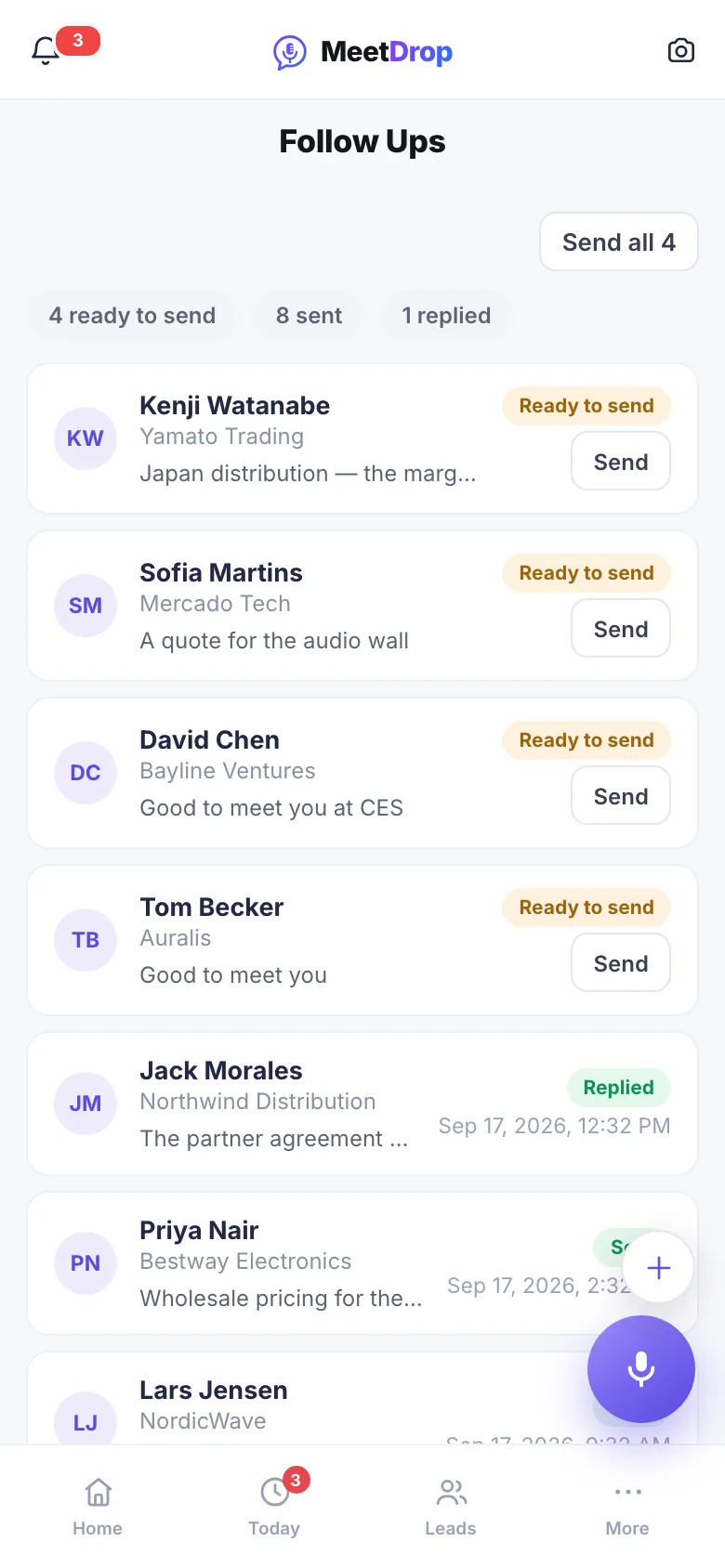
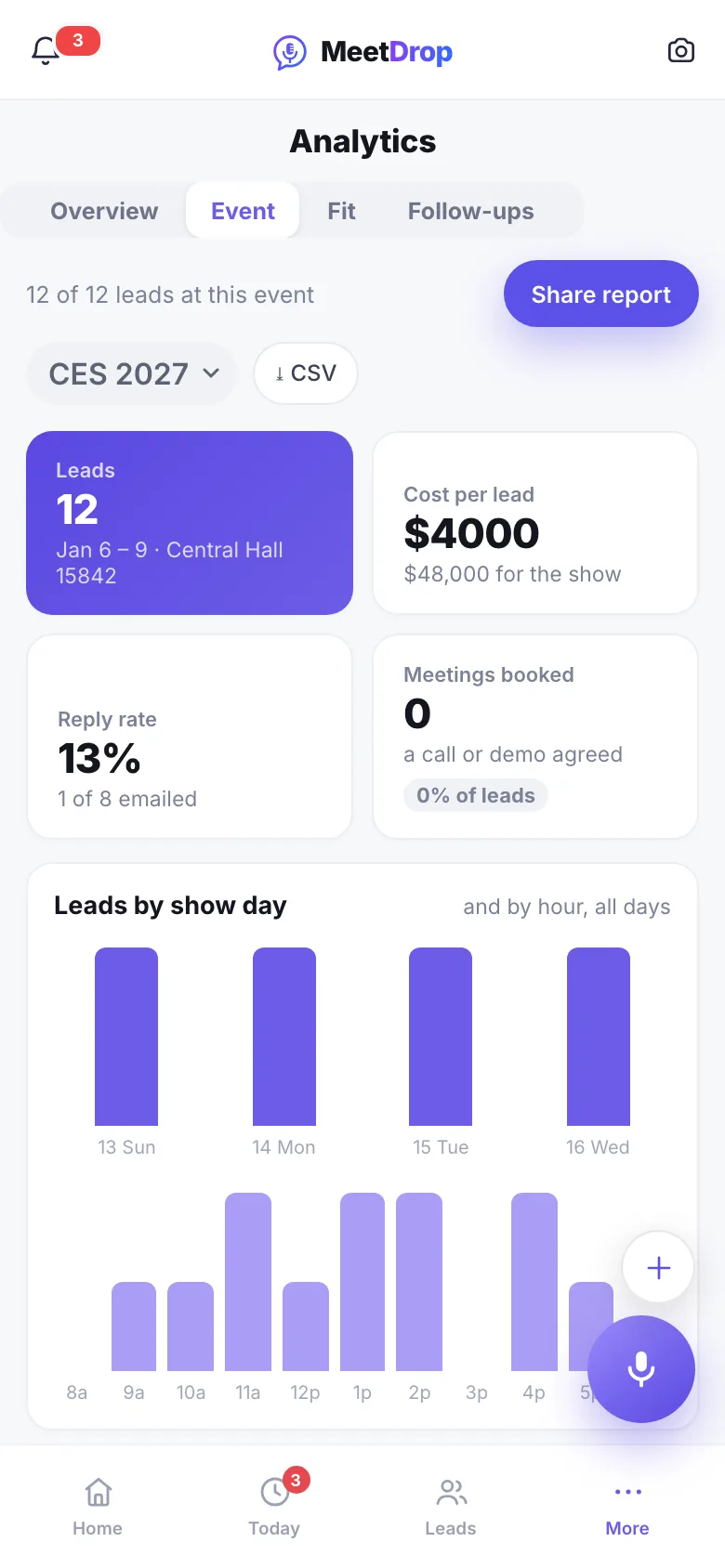
Dramatization with AI-generated footage — the phone screens are the actual product, recorded live on meetdrop.ai.
5 minutes, once
Before the show: your ideal customer, your links, your show
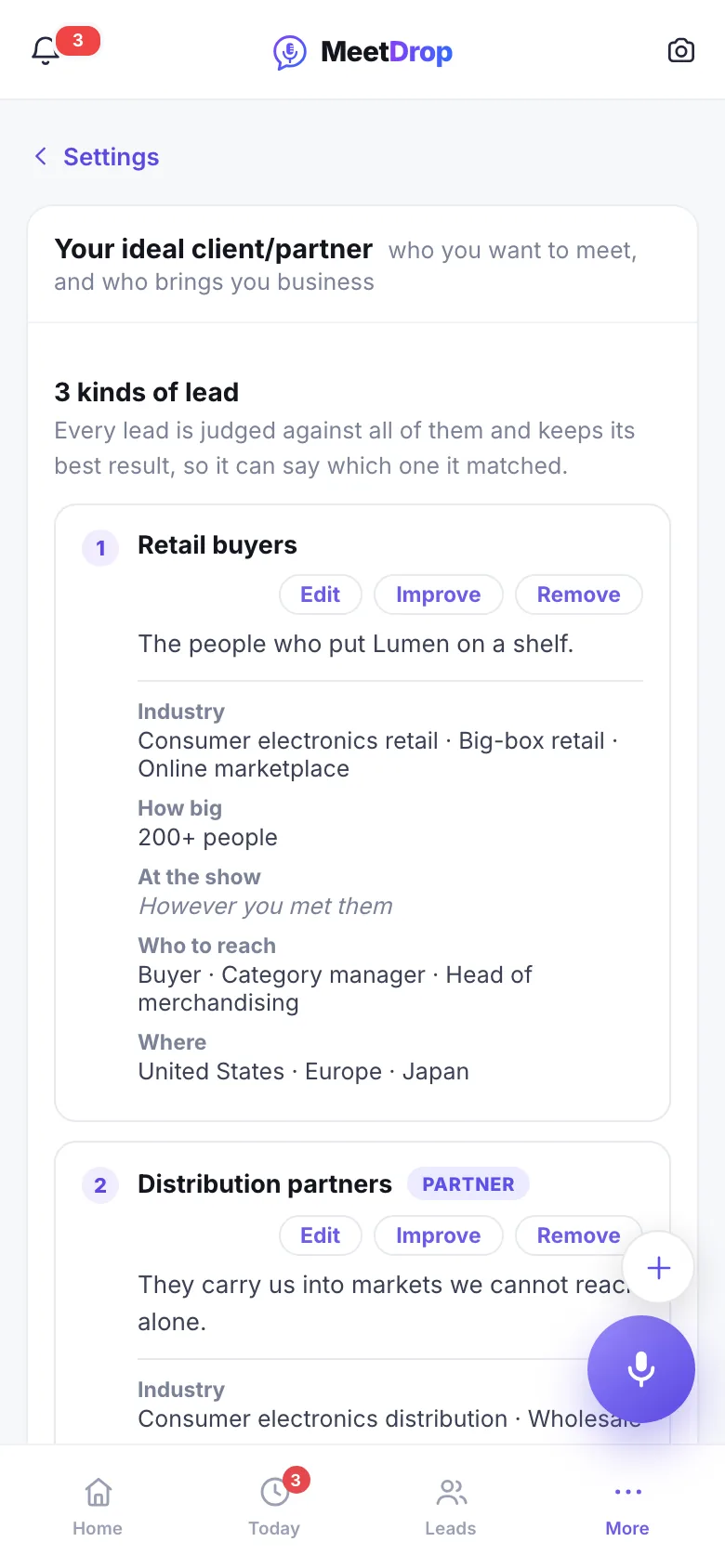
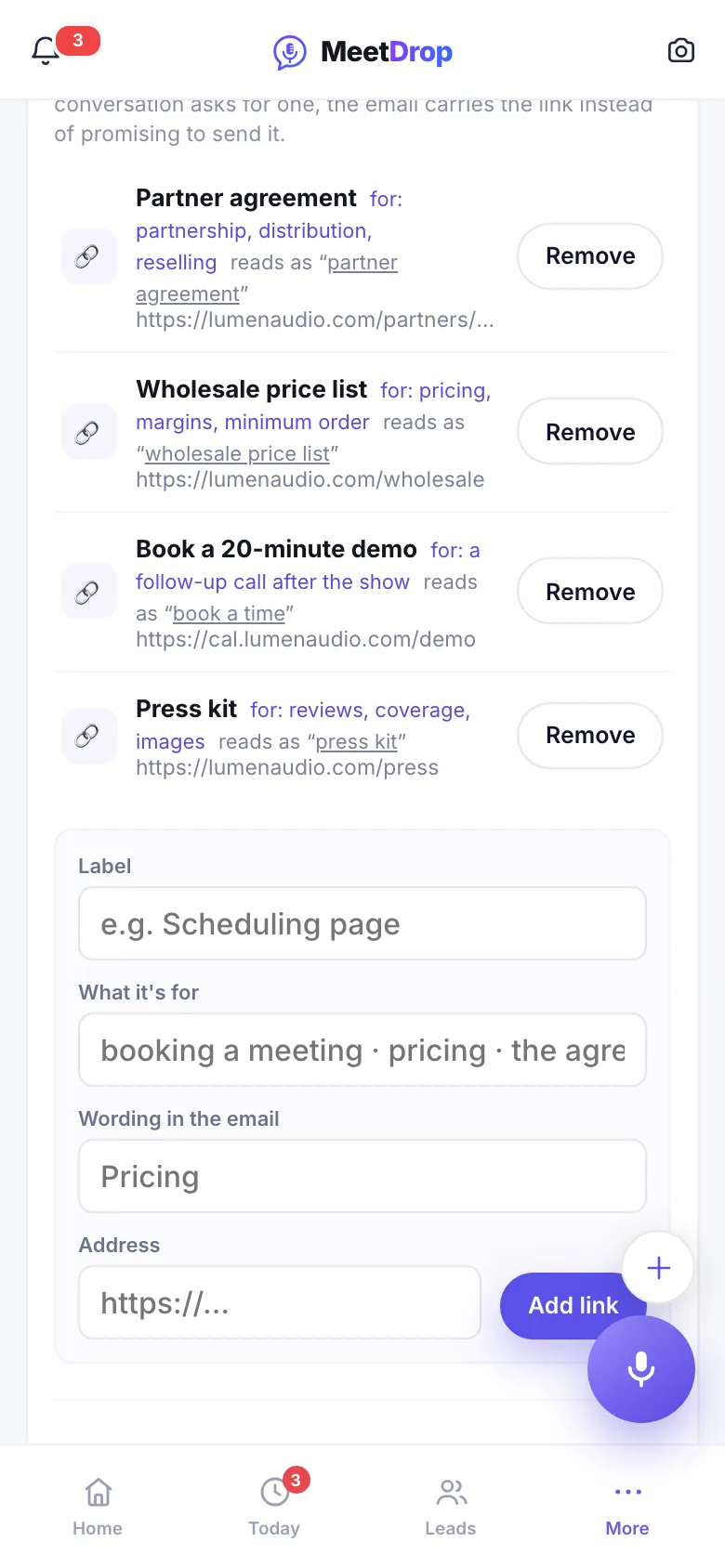
Three things set once make every email better and every score sharper. Describe the customer you want in a sentence, add the links you share with people, and pick the show you are going to.
You
Ideal customer: “kitchen and bath contractors, 20 to 200 staff”
Links: your price list, booking page, catalogue
The show and your goal there
MeetDrop
Turns your sentence into criteria it can score (Pro)
Puts the right link in each email, as words
Writes every follow-up toward your goal
What a link looks like in the emailAs promised, here is our price list, and you can book the 15-minute call whenever suits you.
At the booth: snap their card, say what you talked about
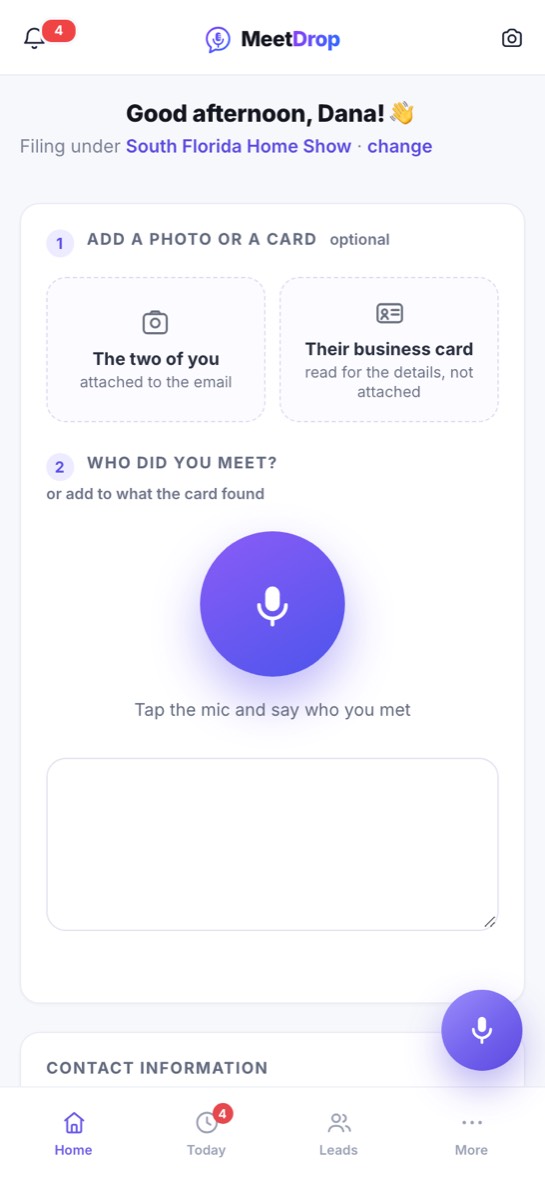
Take a photo of the card, a photo of the two of you if you like, then tap the mic and talk the way you would brief a colleague. A waveform and a timer show it is hearing you.
You
A photo of the card
“Wants pricing for 40 units, call Monday”
MeetDrop
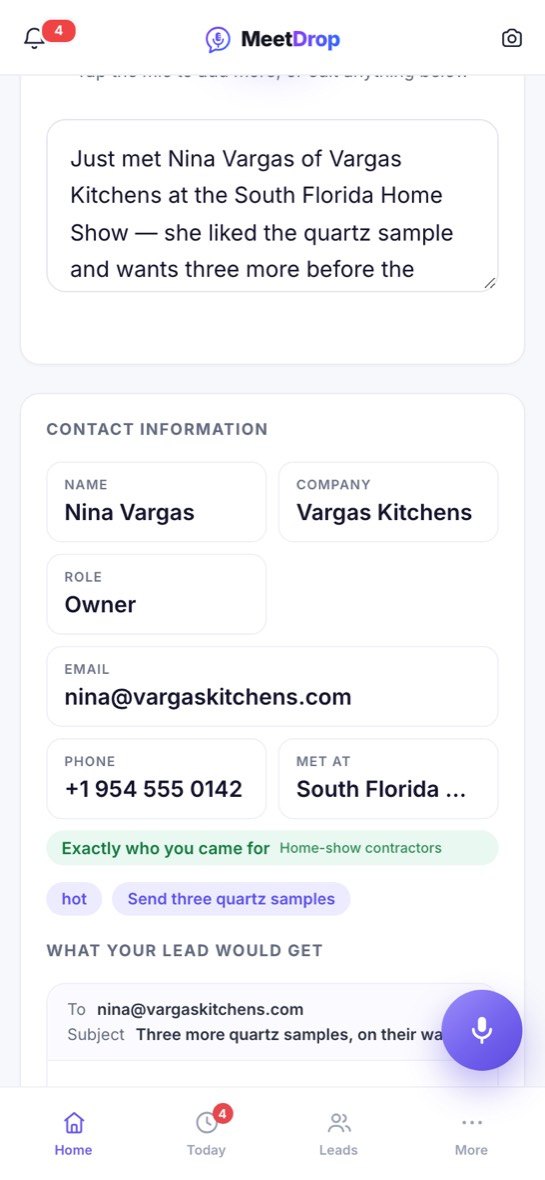
Reads the card into name, company, email and phone
Writes down what you said, word for word
No signal in the hall? Keep talking. In the app, the note is saved on your phone as you speak, and written up the moment you are back online. How it works without signal
How do I capture a lead with MeetDrop? (0:46)
A few seconds · Pro
Seconds later: a score, so you know who to call first
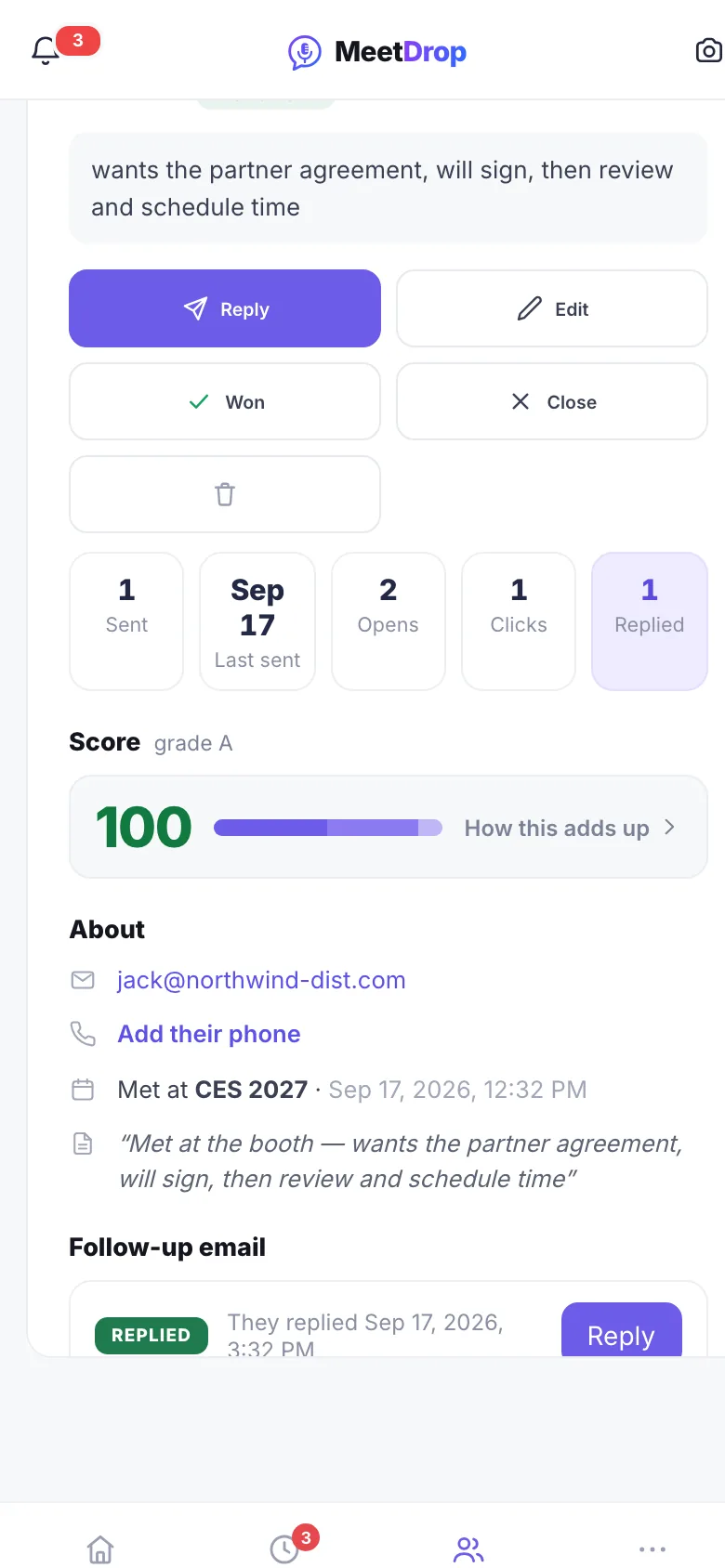
While you are still at the booth, MeetDrop looks up their company and scores the lead out of 100: how well they fit, how interested they sounded, how recently you met. Every point says why it is there.
You
Nothing. Keep talking to the next person.
MeetDrop
Looks up their website
Fit, interest and freshness, itemised
Flags someone you have met before
Before you leave the booth
The follow-up: written from what they said, sent when you choose
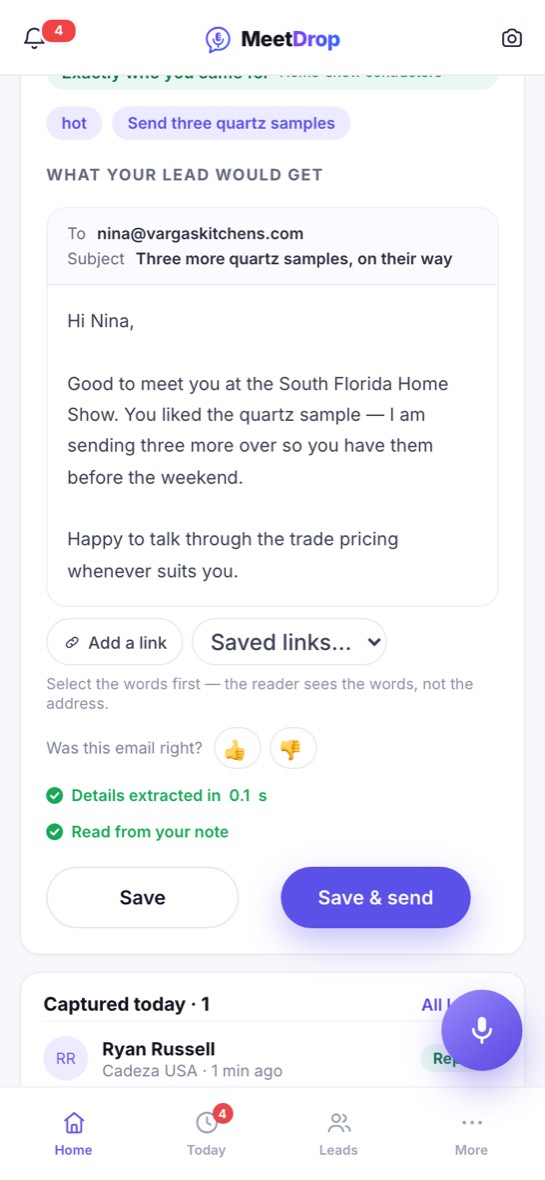
The email quotes the conversation, not a template: the quartz sample, the 40 units, the call on Monday. It carries your signature and the photo of the two of you. You read it, change anything, and press Send. On Pro it goes from your own address or your Gmail.
You
Read it, edit if you want
Press Send
MeetDrop
Writes in your voice, toward your goal
Sends it, from your own address on Pro
How do I edit and send the follow-up? (0:58)
The week after
The days after: follow-ups until they reply
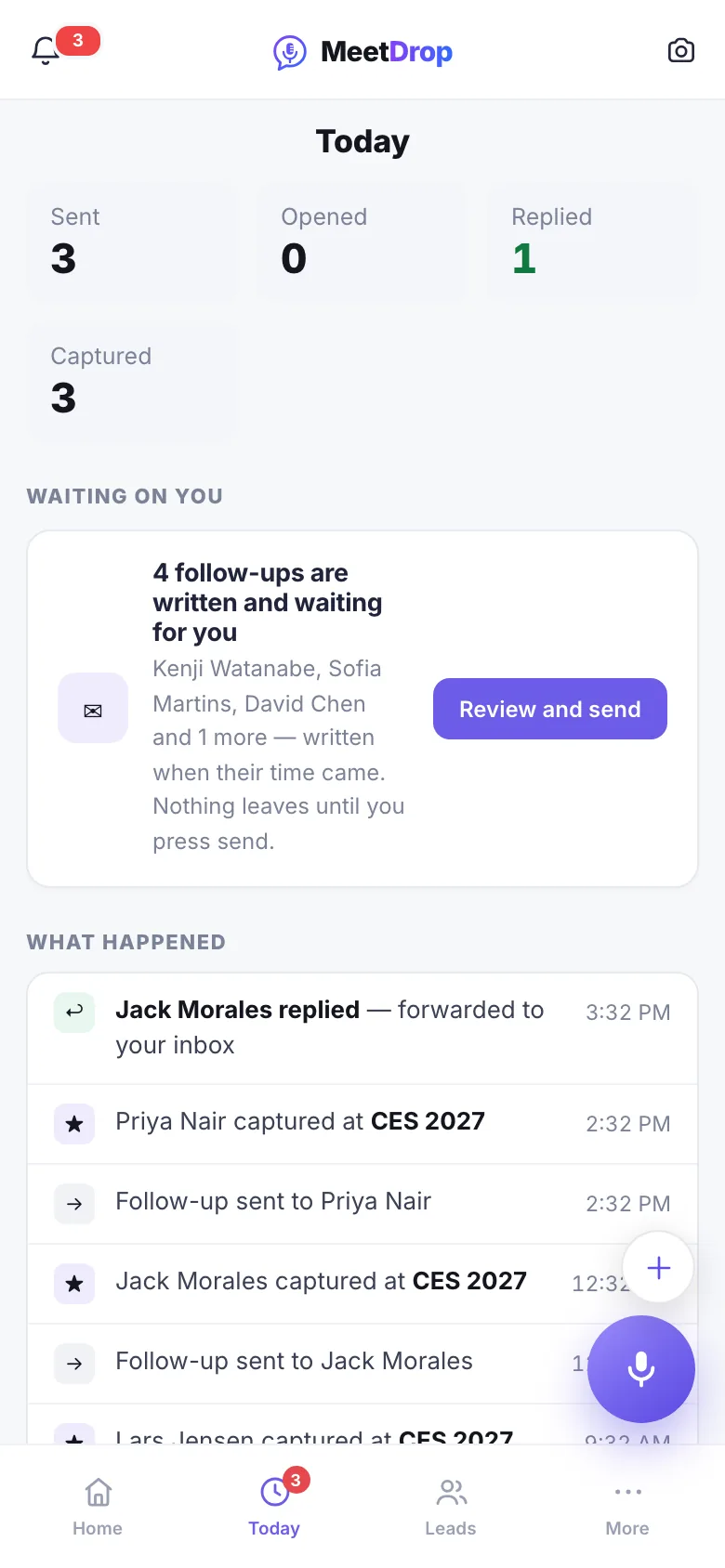
Most deals need more than one email. MeetDrop writes the next one when it is due and shows you who opened, who clicked and who replied. When someone writes back, the follow-ups to them stop.
You
Check Today each morning
Send what is ready with one press
MeetDrop
Writes each follow-up when it is due
Stops on a reply, waits out an out-of-office
How many times should you follow up after a trade show? (1:05)
Monday morning
Back at the office: every lead filed under the show, and in your CRM
See what the show was worth: captured, contacted, replied and won, with the fit of who came by. On Pro, each lead goes straight into Salesforce, HubSpot or Pipedrive with the conversation attached. Any plan can export to CSV.
You
Open the show
Share the report with your boss
MeetDrop
Counts, fit and replies per show
Syncs to your CRM without duplicates
What should you do with your leads after a trade show? (1:14)
You decide when it sends
Out of the box, every email waits for your press. If you would rather, let follow-ups go on their own, inside your working hours only.
A note is never lost
In the app, the note is saved on your phone as you talk. No signal, a locked phone or a closed app: it is written up when you are back.
Your leads are yours
Export everything as CSV on any plan, any time, or sync to your CRM on Pro.
Capturing is free. Always.
Every plan captures unlimited leads. What you pay for is the AI-written follow-ups.
Free
Every lead you meet, kept
$0
Unlimited leads, forever
10 AI follow-up emails a month written and sent for you
Unlimited captures: voice note, card scan, AI extract
Not unless you ask it to. Out of the box, every email waits until you press Send. In Settings you can let follow-ups send themselves, inside your working hours.
What if there is no signal on the show floor?
Keep talking. In the app, the note is saved on your phone as you speak and written up when you are back online.
Do I need their business card?
No. A card fills in the details for you, but saying their name and email works just as well.
Does it work with my CRM?
Salesforce, HubSpot and Pipedrive on Pro; CSV export on every plan.
Whose email address does it send from?
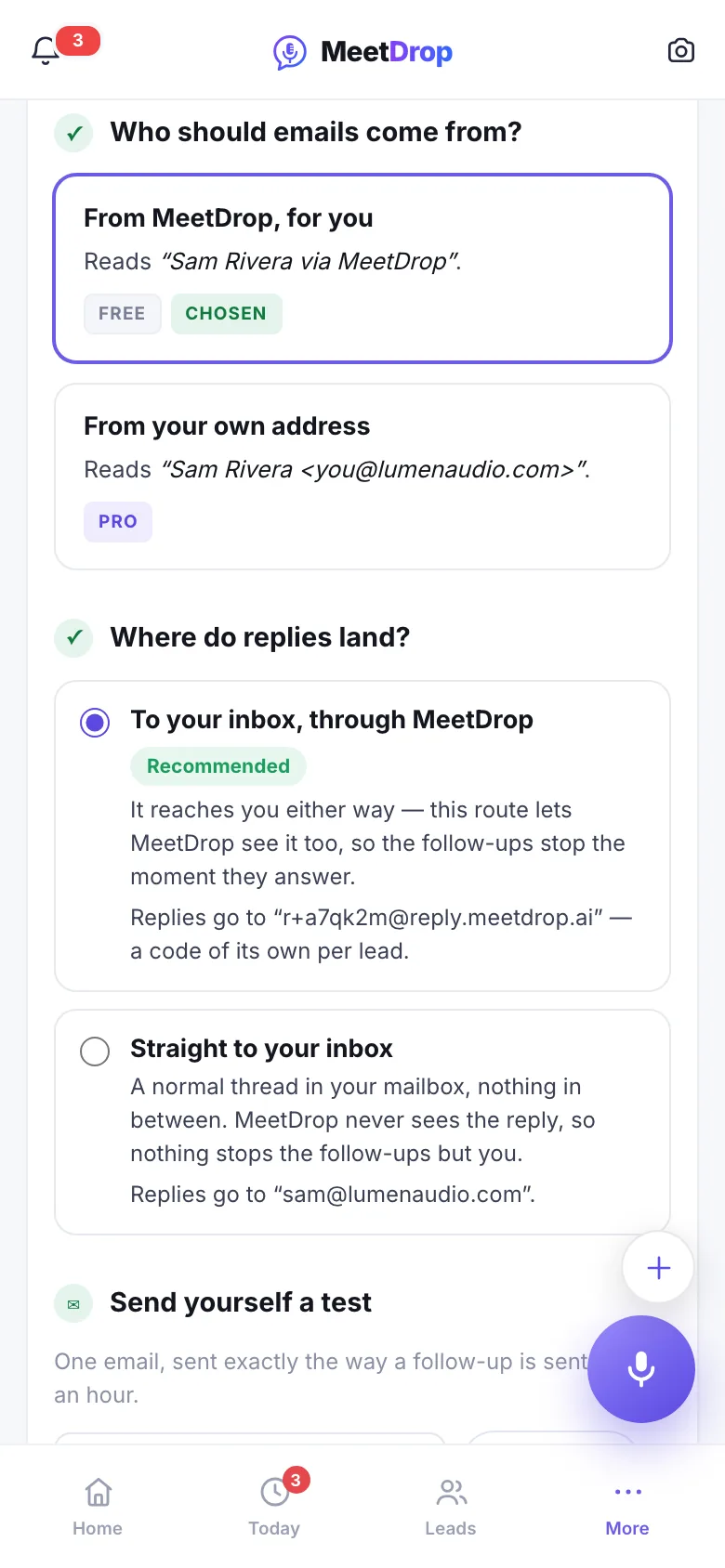
On Pro, your own domain or your Gmail. On Free and Event Pass it comes from MeetDrop with your name on it, and replies come straight to you.
Do I have to set anything up before the show?
No. Adding the show, your ideal customer and your links takes about five minutes and makes the emails and scores better, but you can capture from the first tap.